 The Advocate Diary
No password
There is nothing to remember, reset or write down.
Enter your mobile number, type in the one-time password (OTP) you receive, and your diary opens. There is no password to remember, write down or share.
Advocates hold sensitive client information, and reused or written-down passwords are a common weakness. OTP login means that access is tied to your registered mobile number instead.
Access inside the app is limited too. Your firm's information stays with your firm, team members work with the cases shared with them, and your fee records stay private to you.
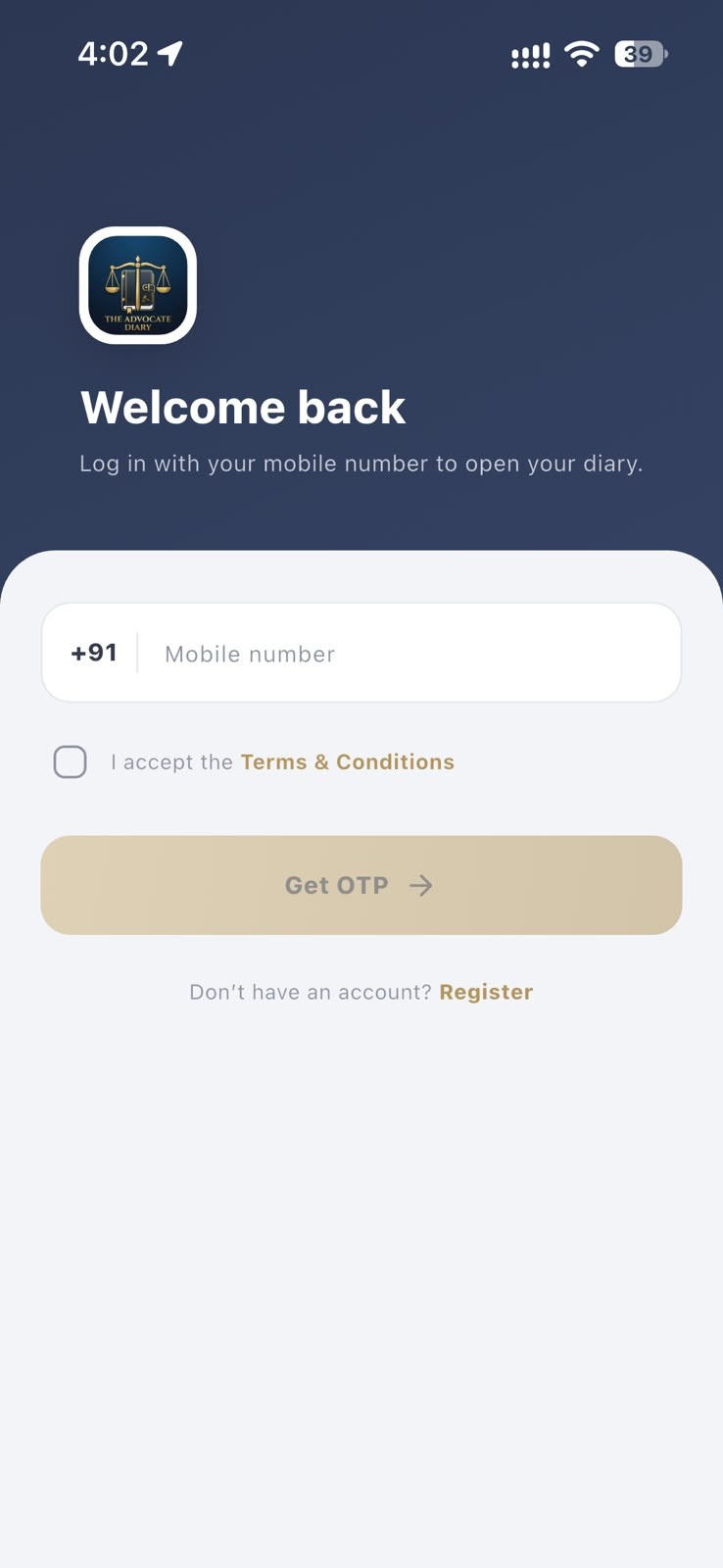
There is nothing to remember, reset or write down.
Each login needs an OTP sent for your registered mobile number.
People in your firm see the cases they have been given access to.
Type in your mobile number and accept the terms.
Tap Get OTP and enter the code you receive.
You are in. New users can register from the same screen.
No. The Advocate Diary uses your mobile number and a one-time password (OTP).
Check your number and network signal, wait a moment and try again. If it still does not arrive, contact support on WhatsApp or by phone.
No. Never share an OTP. Add colleagues to your firm as team members so that they have their own login.
Contact support so that we can help you with your account before you lose access to your old number.
See our account deletion page for the steps. It explains how to make a deletion request.
Add juniors and co-counsel, create groups, and share only the cases each person works on.
Your diary stays in sync across supported devices, so changing phones does not mean starting again.
Keep separate firms in separate workspaces, and switch between them from your profile.
Record fees, payments, discounts and pending balances in a fee book that only you can see.
Free to download for Android and iPhone.