 The Advocate Diary
Automatic
Diary information syncs through the app without any manual export or backup routine.
A paper diary exists in one place, and so does the risk of losing it. The Advocate Diary keeps your account's diary information in sync through the app's sync service, so it is available on your supported devices.
Log in on another supported device with your mobile number and your account's cases, hearings and notes are there. A lost or replaced phone no longer has to mean a lost diary.
Sync also matters for teams. When several people work on shared cases, they work from the same information instead of separate copies.
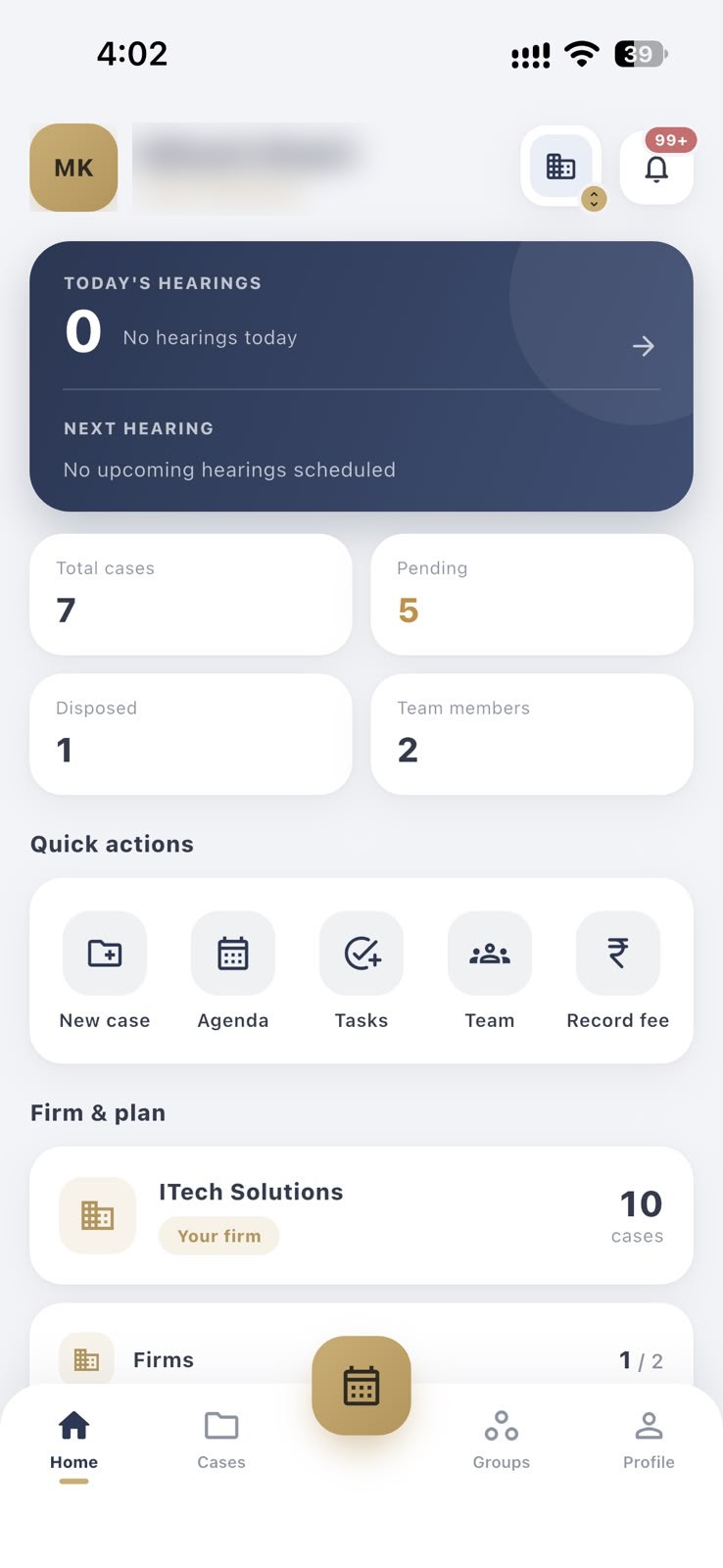
Diary information syncs through the app without any manual export or backup routine.
Use The Advocate Diary on Android and iPhone with the same account.
People with access to a case see the case information from the same source.
Sign in with your mobile number and OTP.
Add and update cases, hearings and notes as you normally would.
Log in on another supported device and carry on.
Log in on a new device with your registered mobile number to get back to your account. Contact support straight away if you think someone else may have access to your lost device.
No. Data sync keeps your own diary consistent across devices. Auto update with court data brings court information into your case records.
Yes. Your device needs a connection to send and receive updates.
Yes. Sign in with the same mobile number on each device.
Your case diary updates automatically from court data, so you are not checking court websites case by case for the next date.
Sign in with your mobile number and a one-time password. There is no password to remember.
Add juniors and co-counsel, create groups, and share only the cases each person works on.
Keep separate firms in separate workspaces, and switch between them from your profile.
Free to download for Android and iPhone.