 The Advocate Diary
A notification centre
Open the bell on your home screen to see your recent alerts.
Hearing dates, tasks and diary updates all come to one place. The notification bell on your home screen keeps a list of what needs your attention, and push notifications reach you when the app is closed.
A practice produces a steady stream of small updates, such as a date coming up or a task that needs doing. These are easy to lose in WhatsApp groups and paper notes.
The Advocate Diary gathers them in one notification list, connected to your diary, so you can see what needs attention and act on it.
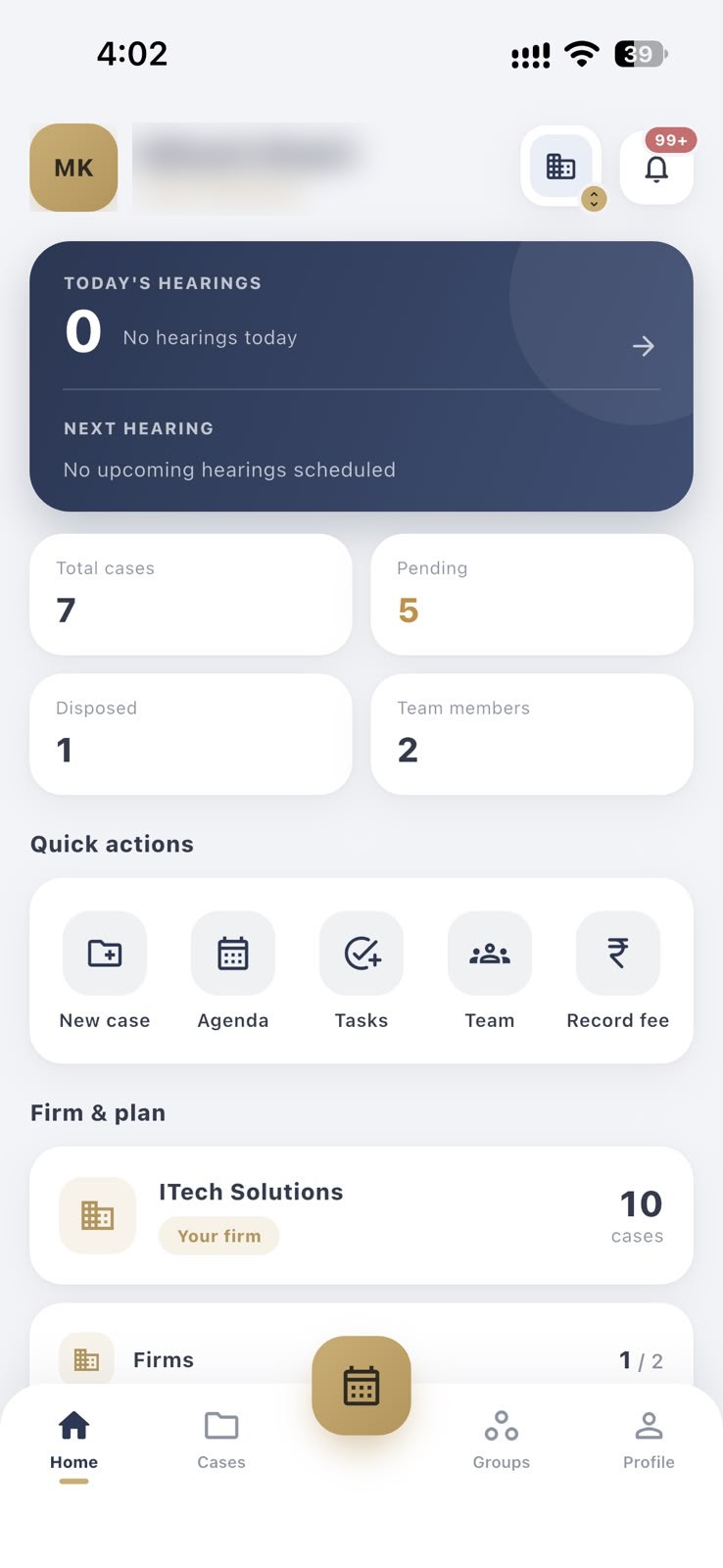
Open the bell on your home screen to see your recent alerts.
Get alerted on your phone even when the app is closed.
Alerts relate to the hearings, tasks and updates in your own diary.
Allow notifications for the app on your phone.
Receive alerts about hearing dates, tasks and diary updates.
Open the app and deal with the matter concerned.
Notifications cover hearing dates, tasks and diary updates in your account.
Yes. You can manage notification permission for the app in your phone's settings at any time.
They may be able to if your lock screen shows notification content. Use a screen lock and adjust your phone's lock-screen settings to protect client information.
Reminders are the daily and weekly alerts about upcoming hearings. Notifications are the wider set of alerts, which also include tasks and diary updates.
Daily and weekly notifications about upcoming hearings, so a date never takes you by surprise.
Track drafting, filing and client follow-ups next to your cases and hearings.
Add juniors and co-counsel, create groups, and share only the cases each person works on.
Week and month views of every hearing, with time, court hall, remarks and the next date for each case.
Free to download for Android and iPhone.