Auto update with court data
Next dates and case status kept current from court data, with no daily lookups.
Checking eCourts case status one case at a time takes time. Here is how to check it on the official portal, and how The Advocate Diary keeps every case current for you.
Go to the official eCourts Services website or app run by the e-Committee of the Supreme Court.
Choose case status, type the 16-character CNR number and complete the captcha.
You will see the case status, the next date of hearing and recent orders for that one case.
You can also search by case number, party name or advocate name. Read our full guide: how to check case status on eCourts.
The official portal shows one case at a time, and it does not remind you when a date changes. With a full board, that means dozens of searches every evening.
Add your cases to The Advocate Diary once, including the CNR number where you have it. The app updates case status and the next date of hearing from court data automatically, puts each matter in your daily cause list and reminds you before the hearing.
Court information is collected from public sources such as eCourts and court websites. The Advocate Diary is an independent app by iTech Solutions and is not affiliated with any court or government body. Data may be delayed or differ from the official record, which always prevails. Read the disclaimer.
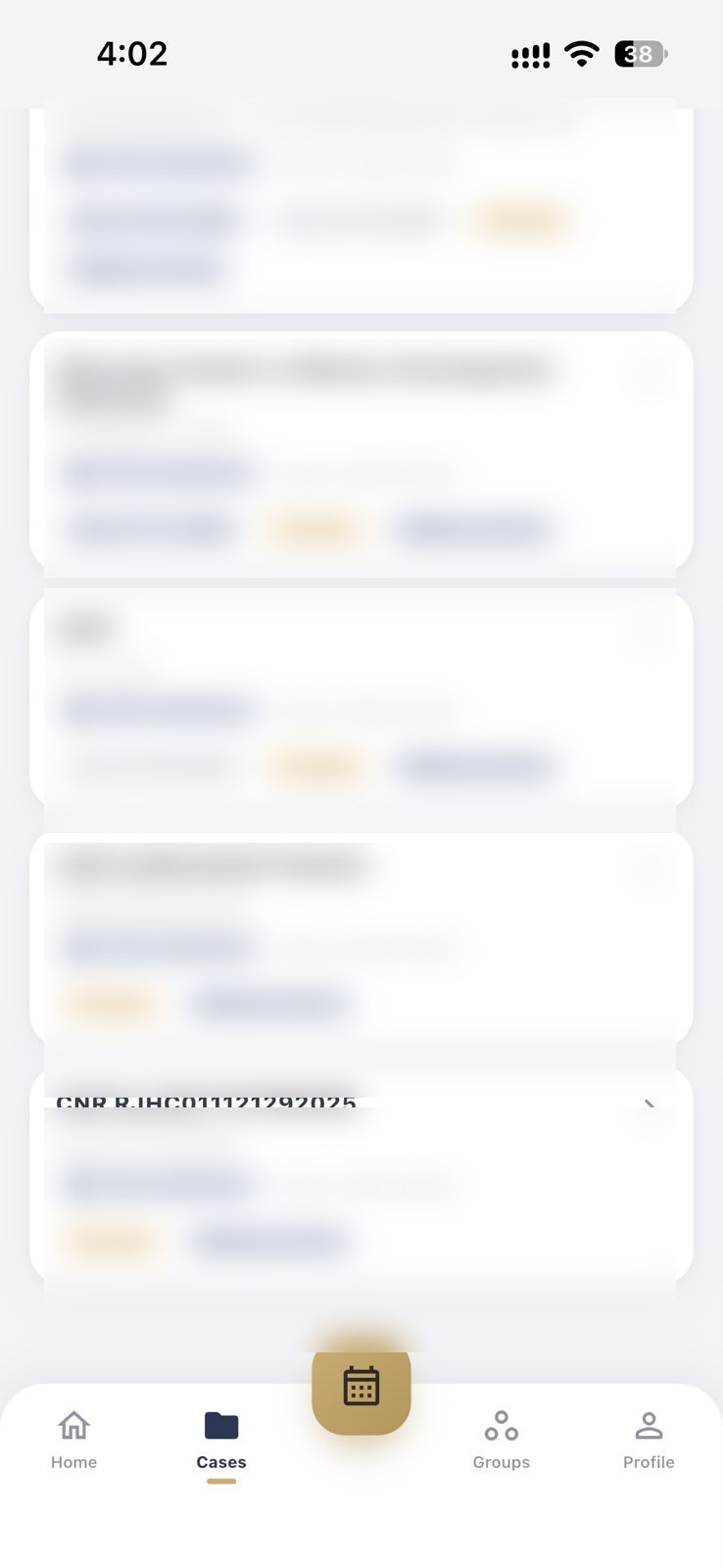
Next dates and case status kept current from court data, with no daily lookups.
Week and month views of every hearing, with court hall, remarks and next date.
Only your matters for the day, across courts, in one list.
Daily and weekly reminders on your phone before each hearing.
CNR (Case Number Record) is a unique 16-character number given to each case on the eCourts system. You will usually find it on the case status page or on orders.
Yes. The official eCourts Services portal and app are free. The Advocate Diary adds automatic tracking and reminders across all your cases.
No. The Advocate Diary is an independent app by iTech Solutions and is not affiliated with eCourts, any court or any government body.
The Free plan keeps up to 100 cases updated from court data, with no time limit. Paid plans track 600 or 1,500 cases.
The official court record always prevails. Court data can be delayed or corrected, so confirm important dates with the court.
A court diary for lawyers that updates hearing dates from court data.
वकील डायरी ऐप: case diary for advocates, explained in Hindi and English.
A digital, cloud-synced advocate diary on your phone.
Your own matters for the day, across courts, in one list.
Practice management for advocates and law firms: cases, team, documents and fees.
Free on Android and iPhone, with no time limit. Questions first? Talk to us on WhatsApp.